
PS1 & PSP emulator
for your iPhone.
Bring your own PlayStation 1 and PSP games to one library. Play with touch controls, then explore save states and compatible external gamepads with EMUspace Pro.
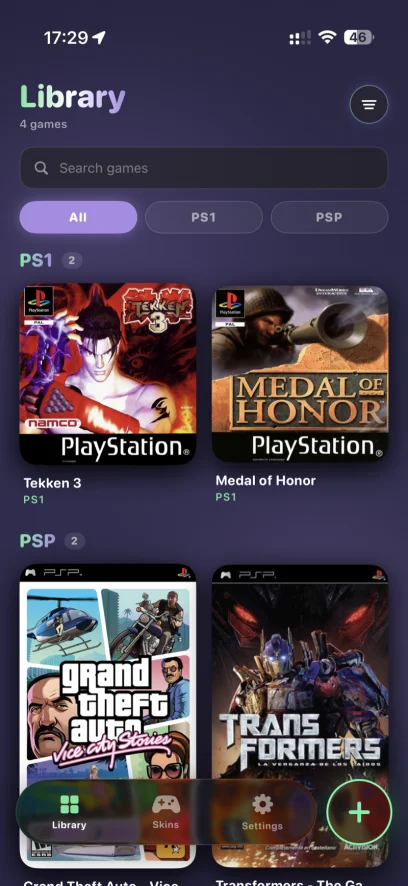
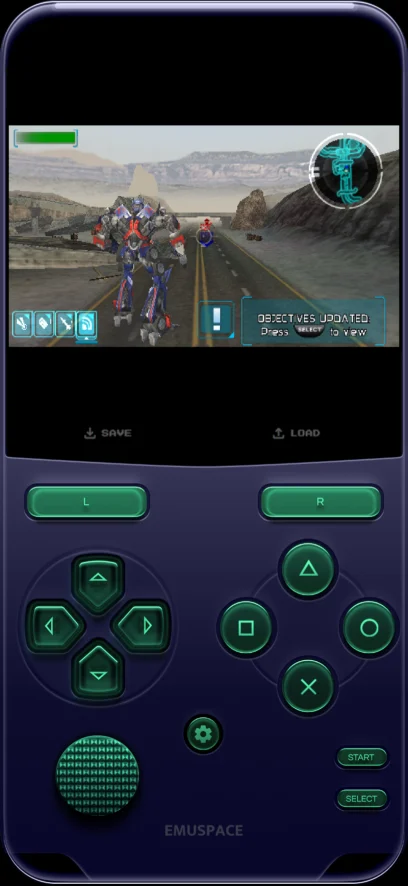
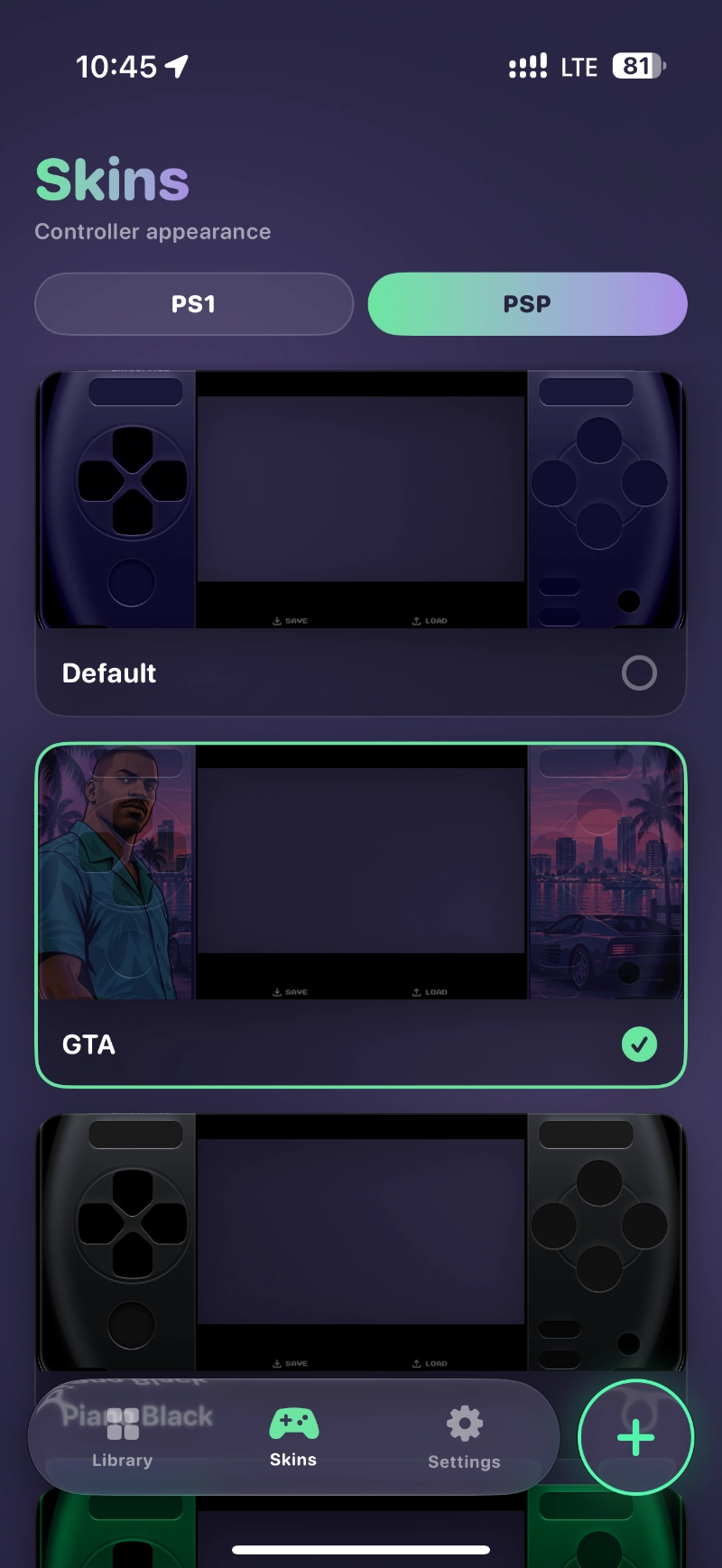
Two legendary consoles, one app
Load your own game files and jump straight in — no clutter, no fuss.
Everything you need to play
Built to feel native on iOS — fast, quiet, and gorgeous.
PS1 & PSP
Enjoy home-console and handheld games in one app. Performance and compatibility vary by game and device.
Save States · Pro
Save and load a session with EMUspace Pro, with optional autosave when you exit a game.
Controller Support
Use the on-screen buttons and analog controls. Compatible external gamepads are available with Pro.
Automatic Cover Art
Browse your imported games in a library with cover art for PS1 and PSP.
Beautiful Skins
Personalize your controls with additional Pro skins and enjoy the space-themed interface.
11 Languages
Available in English, Ukrainian, Portuguese, Japanese and seven more languages.
Your next game starts here
Choose a system or follow a practical setup guide.
PS1 on iPhone
Understand the setup, game files and what to check before playing.
Explore PS1 →PSP on iPhone
Get started with handheld games and find a comfortable control layout.
Explore PSP →Import your games
Bring compatible files from Files into your EMUspace library.
Read the import guide →Saves & controllers
Learn about Pro save states, autosave and external gamepads.
Read the play guide →Before you download
Are games included?
No games or BIOS files are bundled. Import compatible files you own or are authorized to use.
What is free, and what needs Pro?
You can play without a time limit in the free version. Save and load, autosave, compatible external gamepads and additional skins require EMUspace Pro. See the App Store for current subscription details.
Which iPhone software is required?
EMUspace currently requires iOS 17.6 or later. Check the App Store listing on your device for the latest compatibility information.
Where can I get help?
Start with the setup guides or email support@emuspace.app with your device model, app version and a description of the issue.